
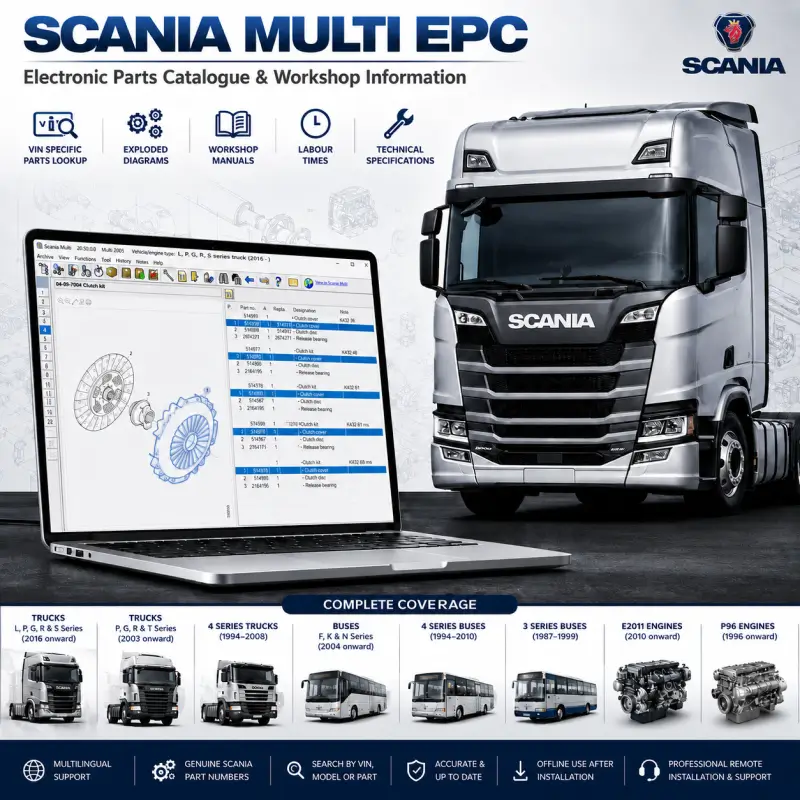
Scania Multi EPC Electronic Parts Catalog
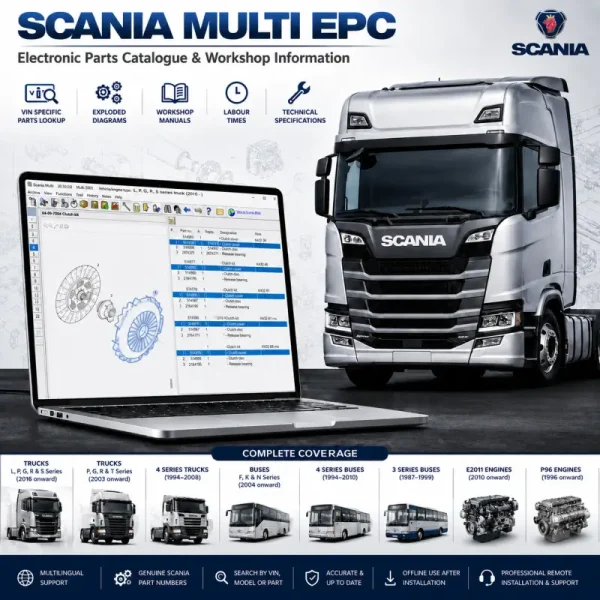
Scania Multi EPC combines spare-parts identification and workshop information for supported Scania trucks, buses, and engine platforms.
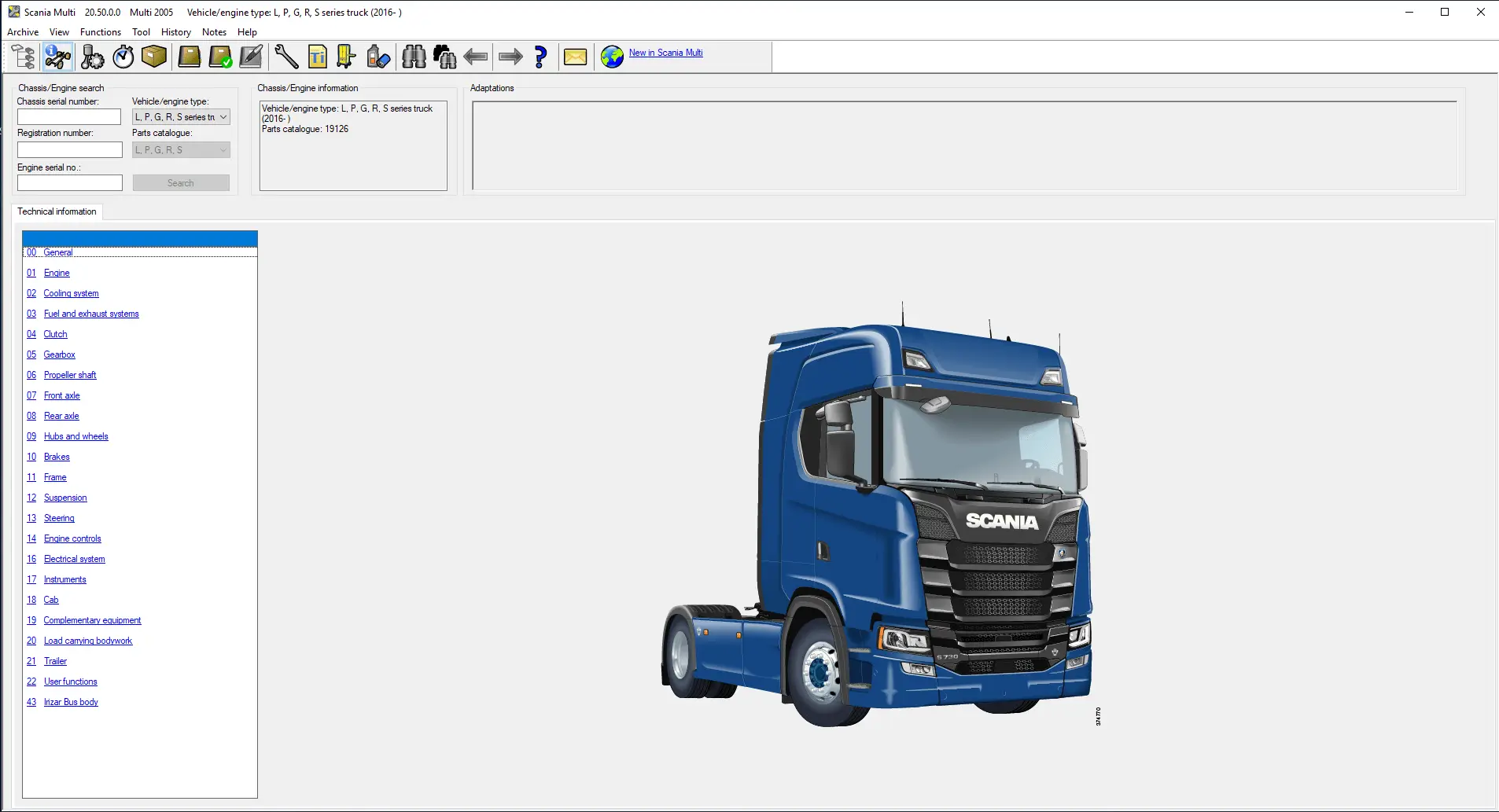
Users can search by chassis number to display vehicle-specific parts and technical data or browse the complete catalog without entering a VIN.
Software Information
| Specification | Details |
|---|---|
| Application | Scania Multi EPC |
| Application Version | 25.50.0.0 |
| Data Release | 10.2025 |
| Content | Parts catalog and workshop information |
| Search Options | VIN, model, assembly, or general database search |
| Installation | Professional remote installation and activation |
Main Catalog Functions
- VIN-specific parts identification
- Genuine part-number lookup
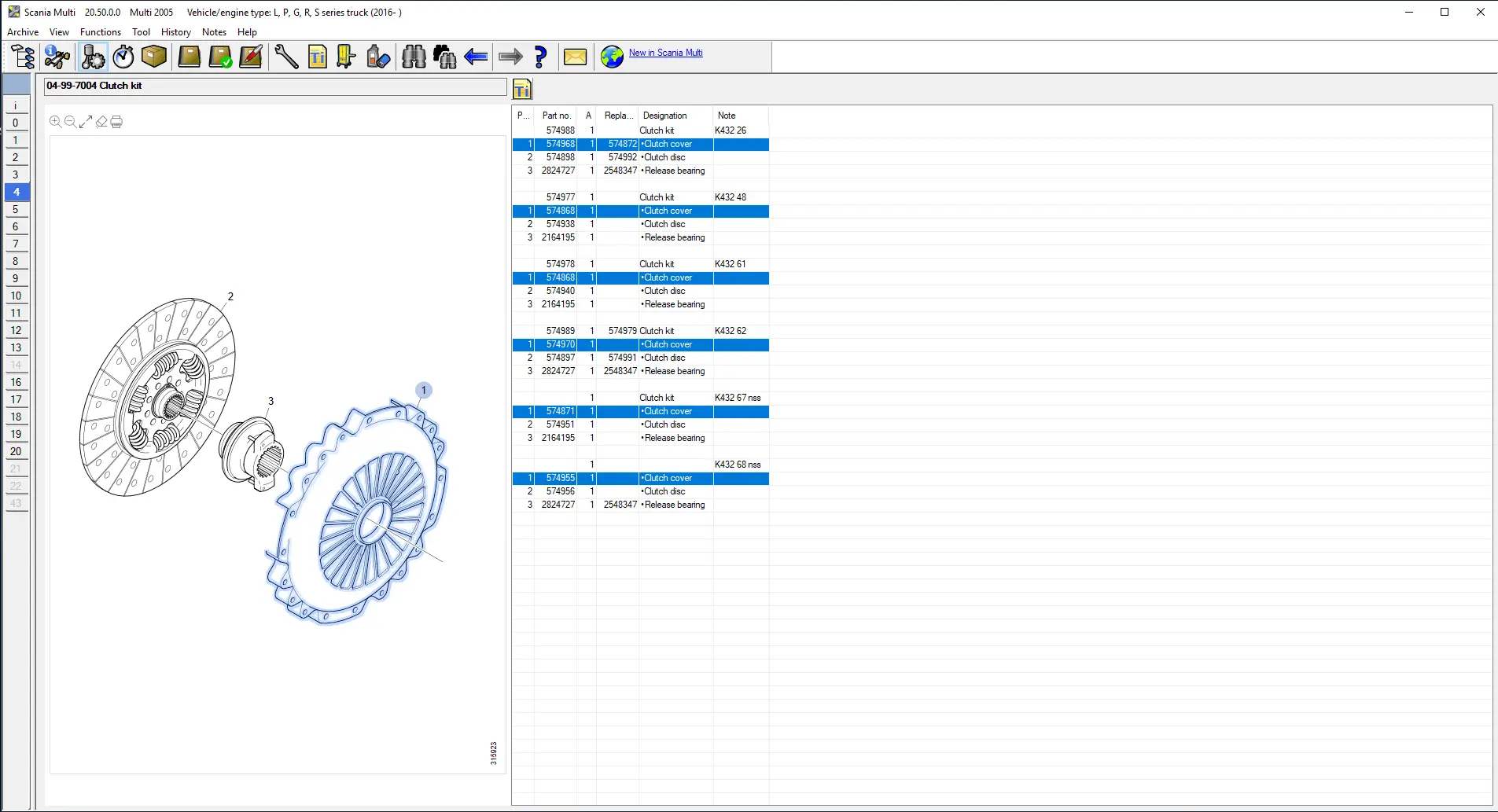
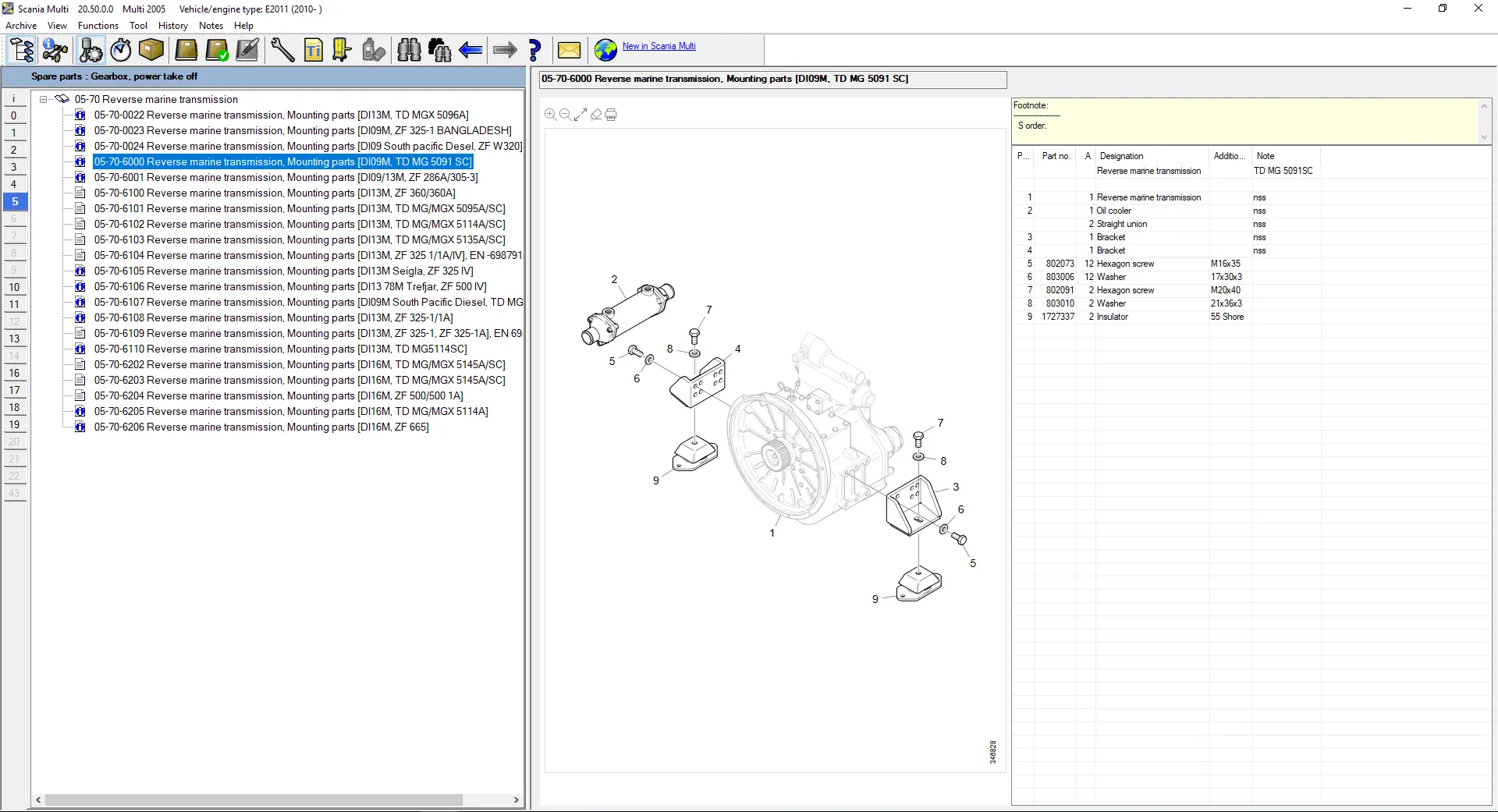
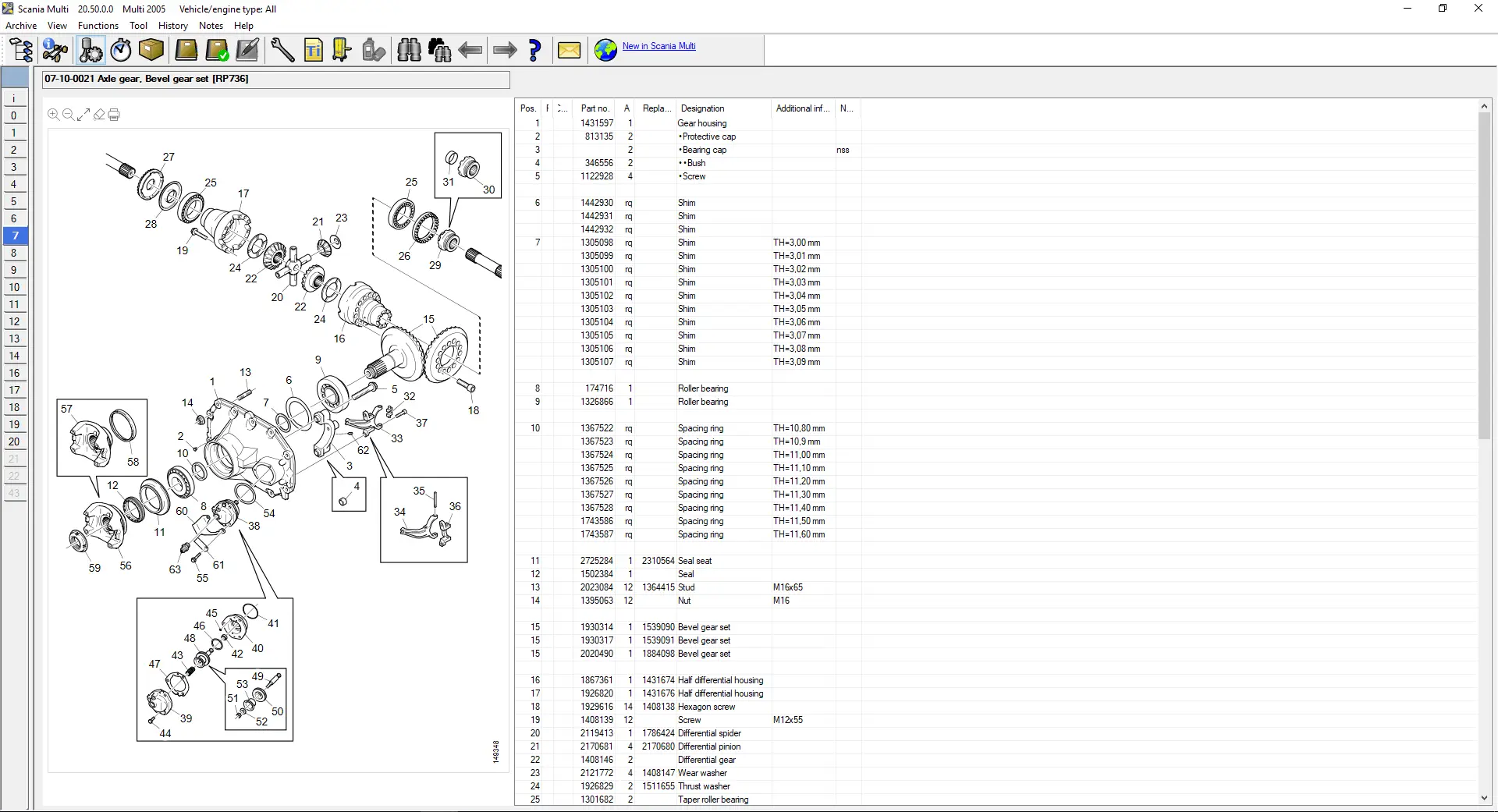
- Exploded parts diagrams
- Assembly and subassembly navigation
- Component-position and quantity information
- Workshop repair procedures
- Tightening torques and technical specifications
- Standard labour times
- Vehicle and engine configuration filtering
- Search without a chassis number
Vehicle and Engine Coverage
| Product Group | Coverage |
| Scania Trucks | L, P, G, R and S Series from 2016 onward |
| Scania Trucks | P, G, R and T Series from 2003 onward |
| Scania 4 Series Trucks | 1994–2008 |
| Scania 3 Series Trucks | 1987–1996 |
| Scania Buses | F, K and N Series from 2004 onward |
| Scania 4 Series Buses | 1994–2010 |
| Scania 3 Series Buses | 1987–1999 |
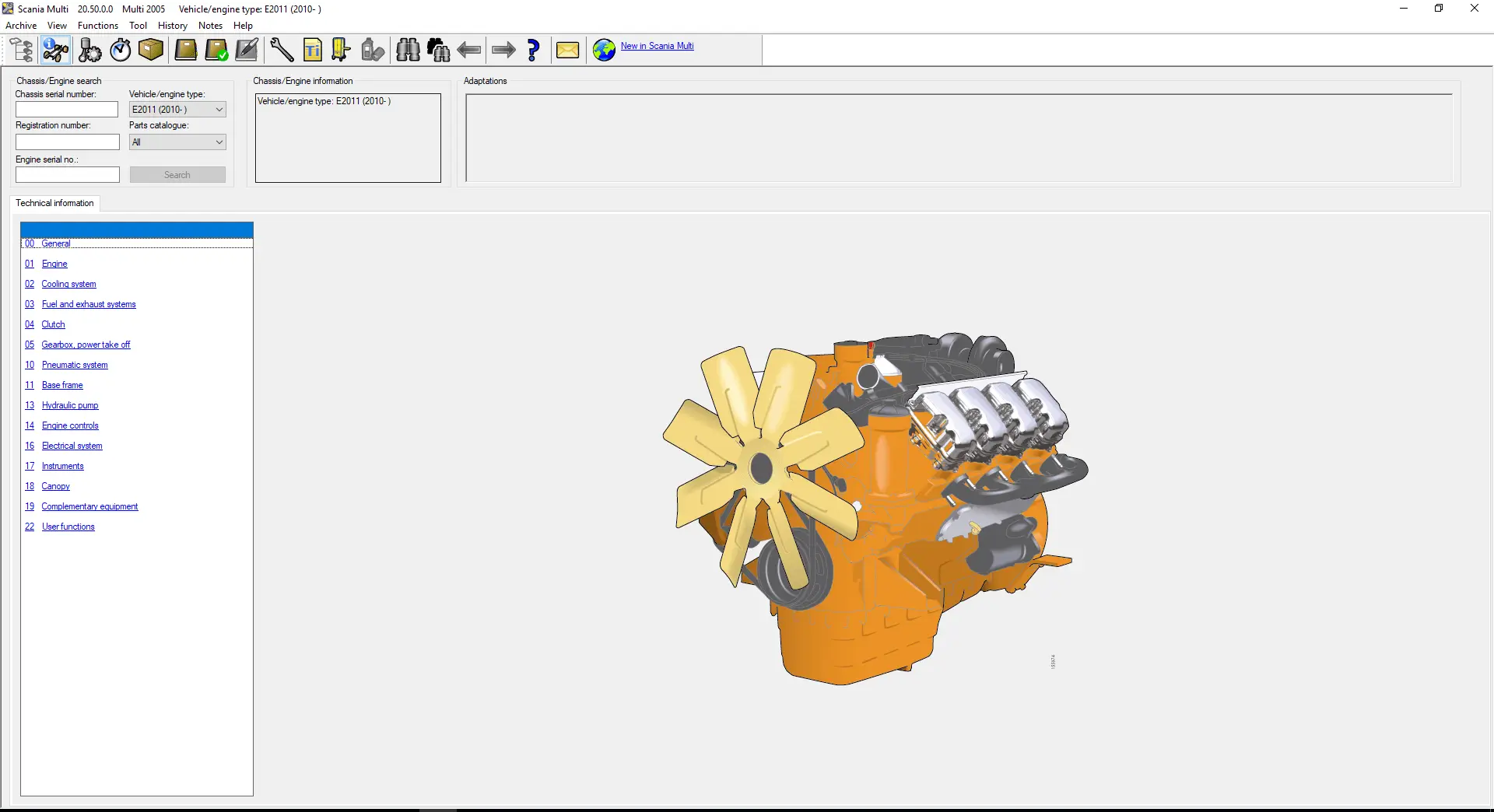
| E2011 Engines | 2010 onward |
| P96 Engines | 1996 onward |
Exact information depends on the chassis number, model generation, engine configuration, production range, and catalog data.
Parts Catalog Updates
The 10.2025 data includes information for:
- DC13 173, 174, 175 and 176 engines
- Third-generation DC13 cylinder blocks
- Fuel optimisation unit components
- Small, medium and large fuel tanks
- Updated chassis attachment points and hole patterns
- Revised SCR and exhaust installations
- Updated cable-harness part-number sections
- Revised component and assembly structures
Workshop Information
Workshop content may include:
- Removal and installation procedures
- Inspection and adjustment instructions
- Engine service procedures
- Cleaning requirements
- Tightening specifications
- Technical illustrations
- Standard repair times
- Service precautions
- Component-specific workshop instructions
Supported Languages
English, German, Spanish, French, Persian, Finnish, Italian, Dutch, Polish, Swedish, Norwegian, Russian, Thai, Turkish, Chinese, Czech, Japanese, Korean, and Portuguese.
Content availability may vary between catalog sections and technical publications.
System Requirements
| Component | Minimum Requirement |
| Operating System | Windows 10 or later |
| Processor | 1.60 GHz or higher |
| Memory | 2 GB RAM or higher |
| Storage | 60 GB of available disk space |
| Internet | Required during remote installation |
| User Access | Windows administrator privileges |
An SSD and additional memory are recommended for faster searches and diagram loading.
Remote Installation and Activation
The software is installed and activated remotely through UltraViewer or AnyDesk.
The service includes:
- Scania Multi EPC installation
- 10.2025 database configuration
- Software activation
- Required Windows component setup
- Application launch testing
- Basic functionality verification
- Troubleshooting of installation-related issues
The download information and remote-installation instructions are delivered electronically after checkout.

Kevin Smith –
Everything was exactly as advertised and the service was spot on. Very happy with it.
Mark Wilson –
Excellent technical support and always available to help. They installed Diagbox for me and made the whole process very simple.
Andrew Scott –
Remote installation was done properly and without any issues. Thank you.
Thomas Green –
Quick delivery and everything worked straight away.
Florian Becker –
Gute Arbeit, gerne wieder.
Robert Turner –
The helpdesk support was top-notch and very responsive.
Michael Brown –
Works exactly as described and the technical support was very professional. Thanks again.
Richard Parker –
Brilliant service from start to finish, couldn’t ask for more.