
Overview
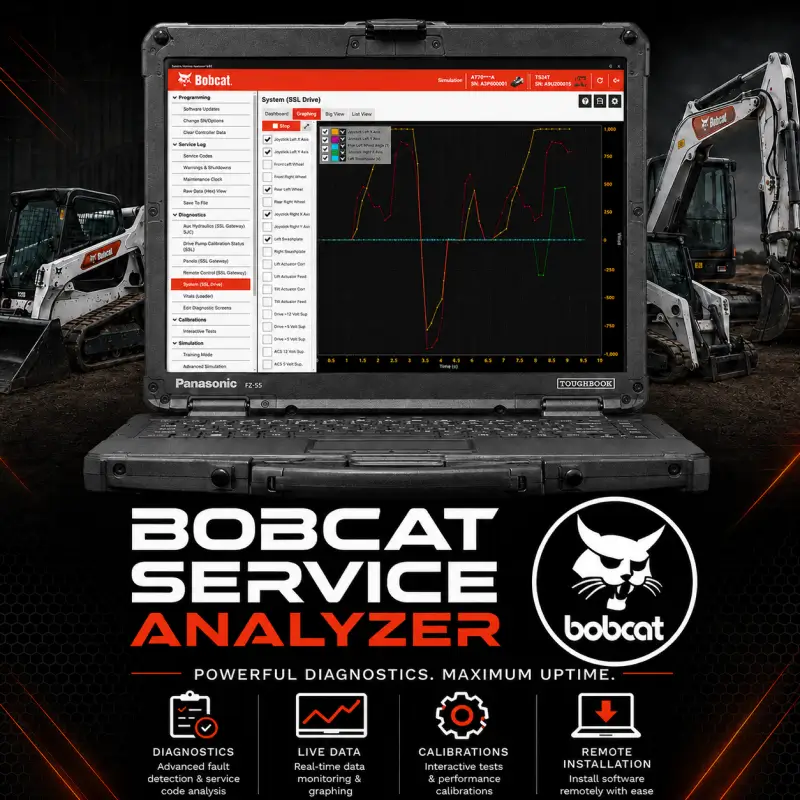
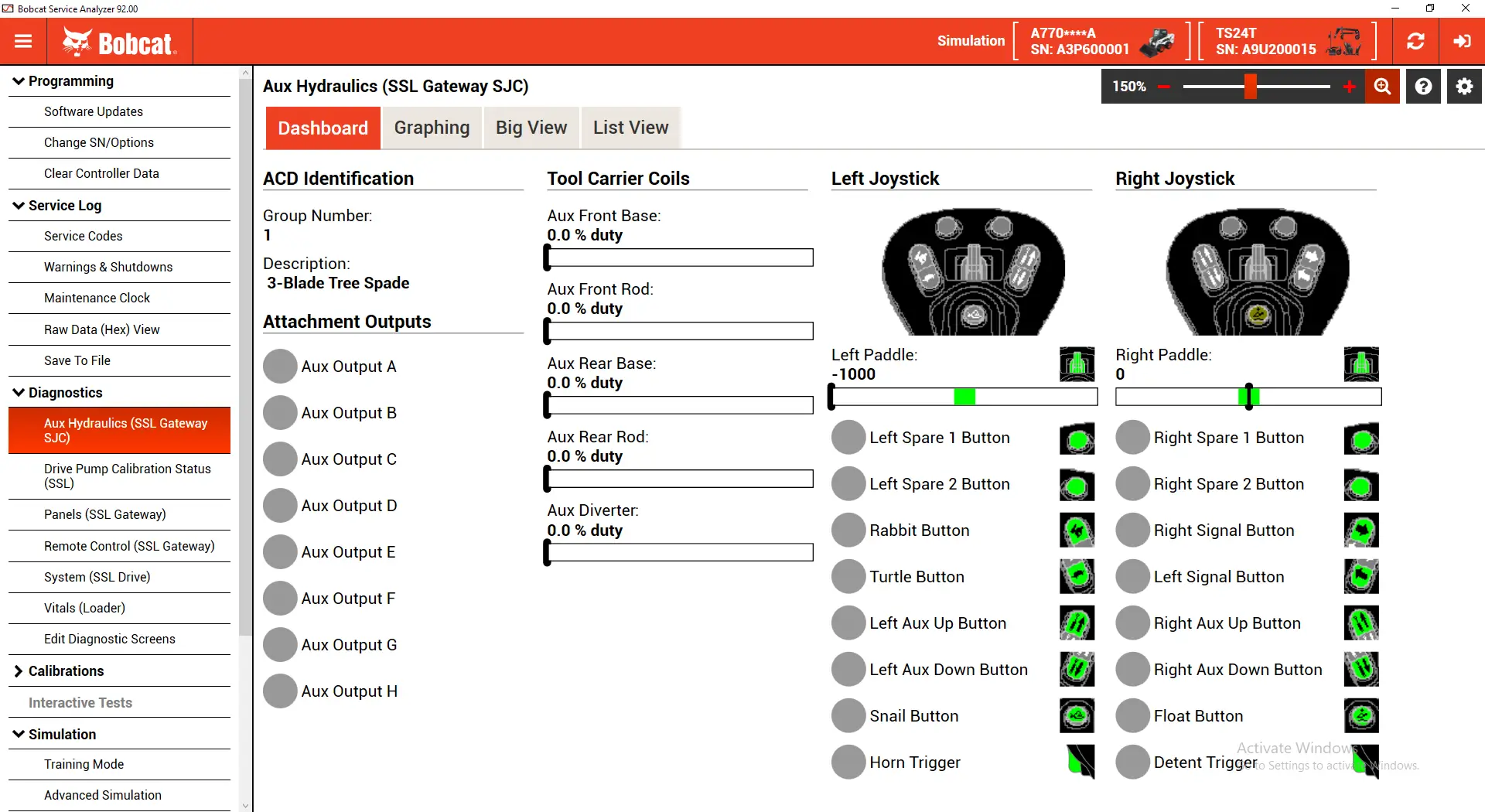
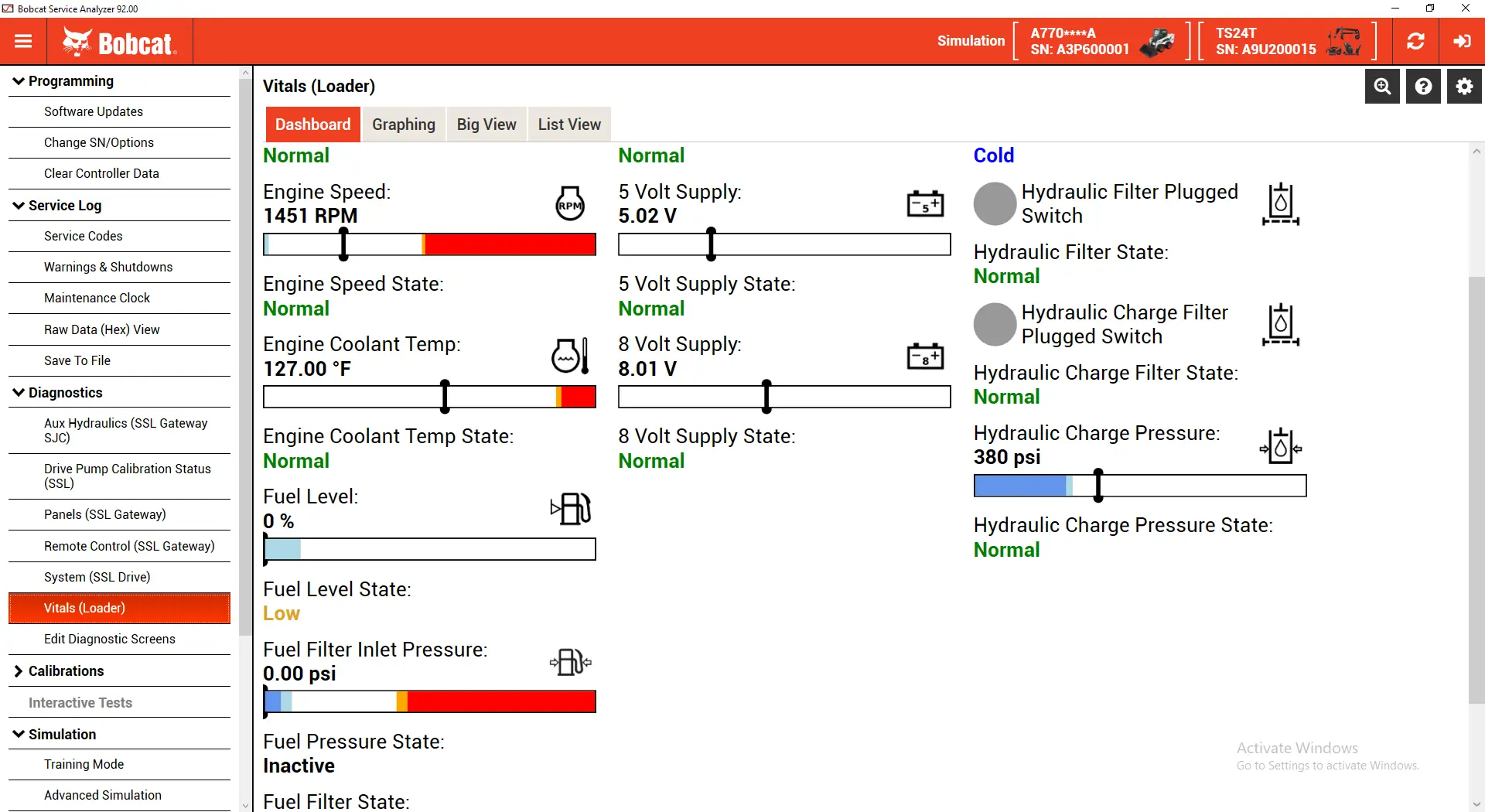
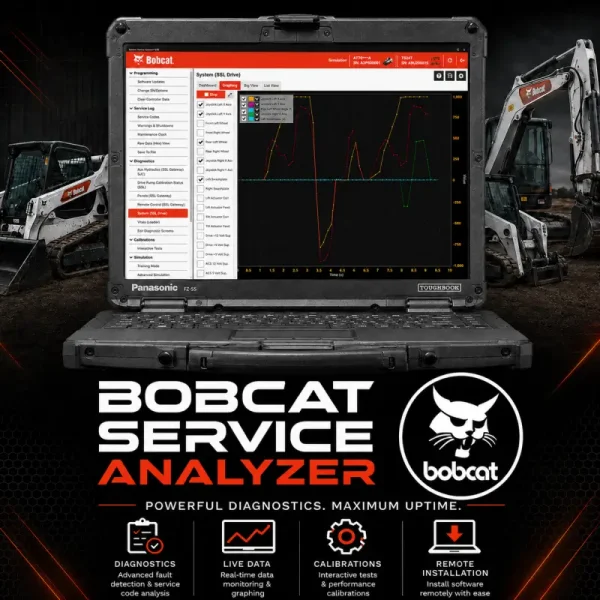
Bobcat Service Analyzer is specialized diagnostic software developed for supported Bobcat construction and compact equipment. It enables technicians to retrieve fault codes, monitor live sensor data, evaluate machine systems, perform calibrations, and configure supported electronic control modules.
Avoid installation errors and complicated configuration procedures with our professional Bobcat Service Analyzer remote installation service. The software will be installed, activated, configured, and tested on your compatible Windows computer so it is ready for diagnostic use.
What You Will Receive
- Complete remote installation of Bobcat Service Analyzer
- Full software license activation and verification
- Initial application and database configuration
- Guidance on using the diagnostic interface
- Assistance with USB-to-machine connection setup
- Post-installation functionality and performance check
- Remote setup through UltraViewer or AnyDesk
Bobcat Service Analyzer Suite
| Software Information | Version |
|---|---|
| Application Version | 5.37.1 |
| Database Version | 92.00 |
| Installation Type | Professional remote installation |
| Activation | Included |
Key Bobcat Service Analyzer Features
- Read and clear supported diagnostic fault codes
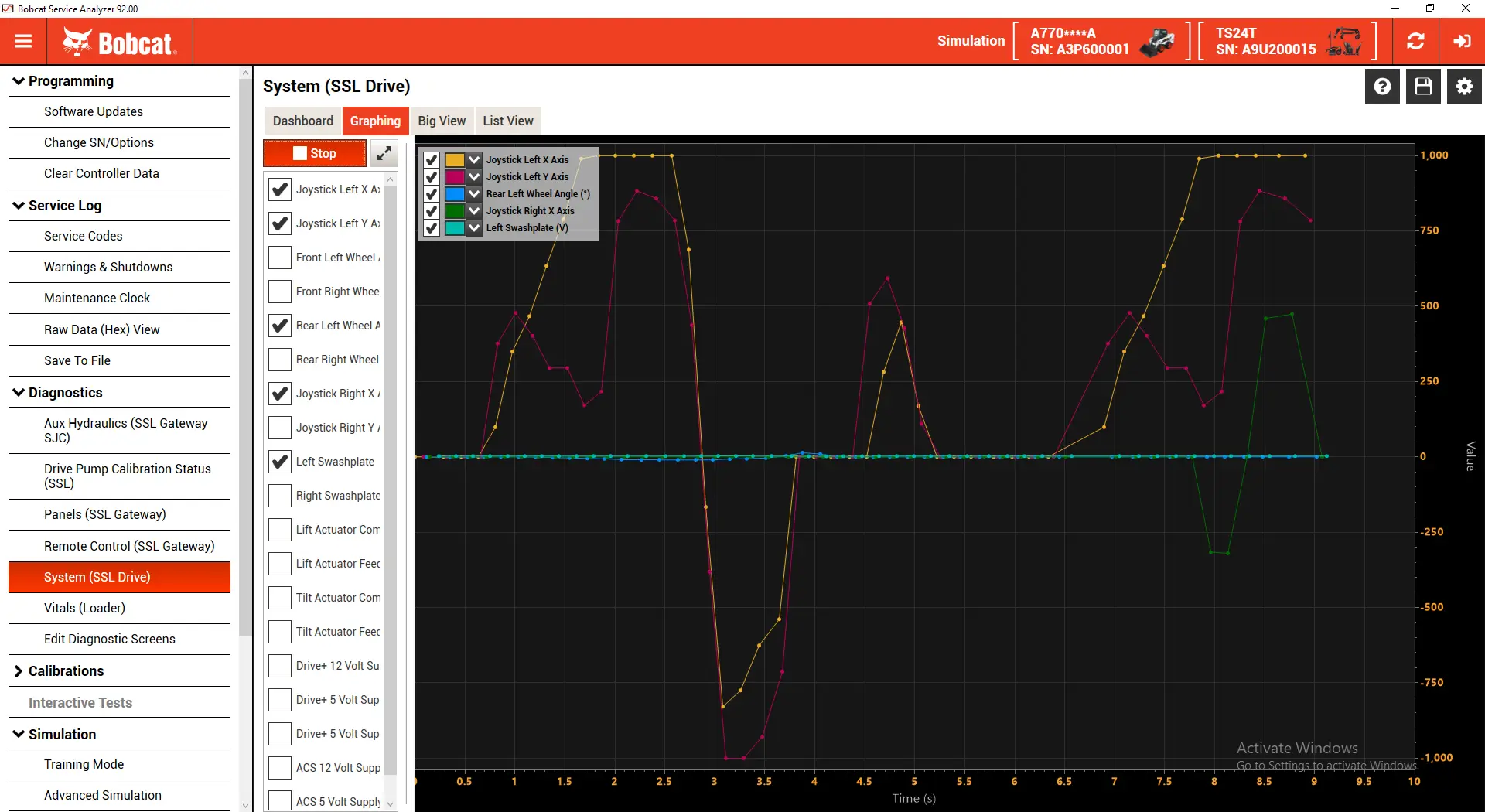
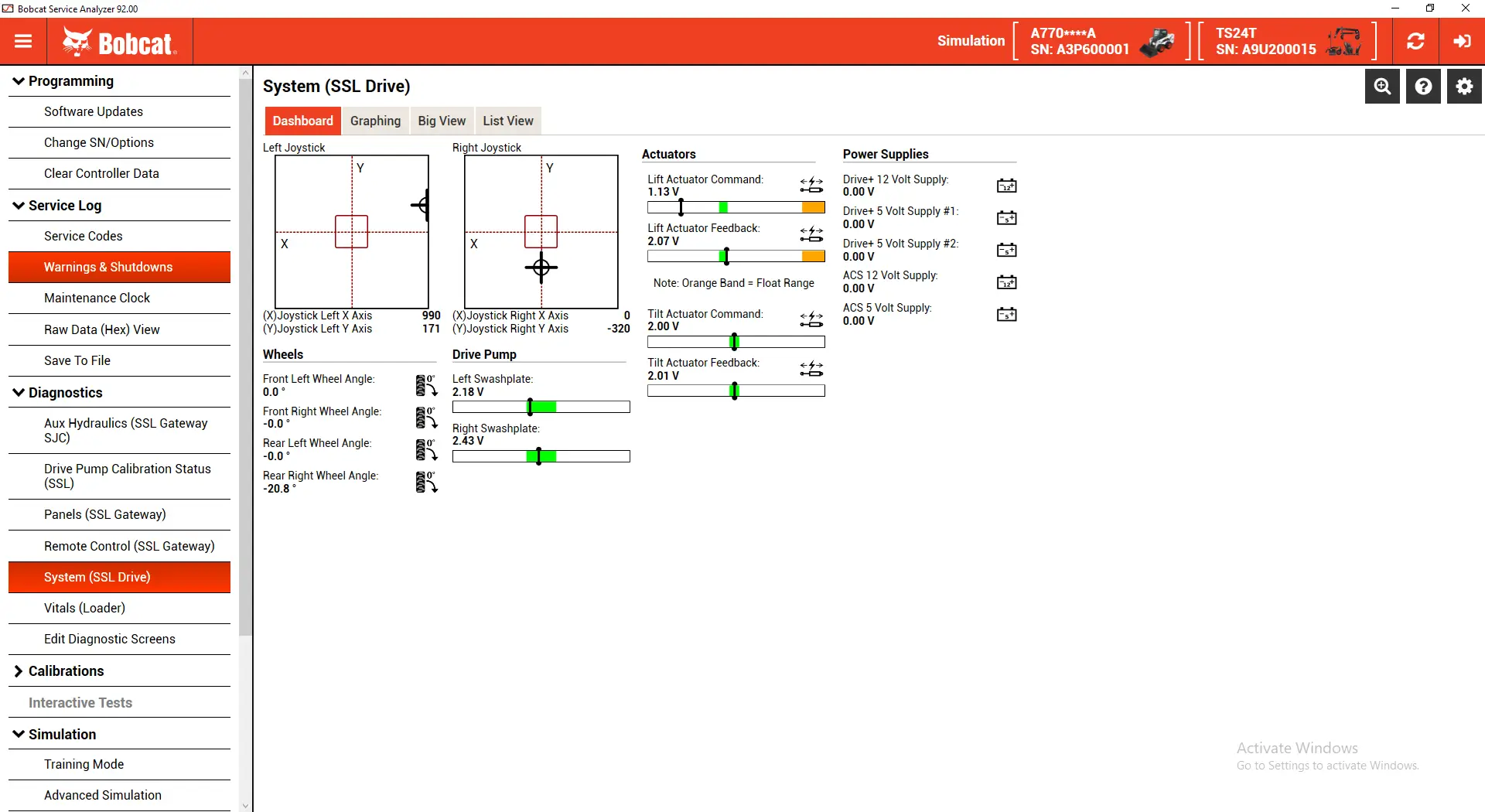
- Monitor live sensor and machine data
- Analyze electronic system performance
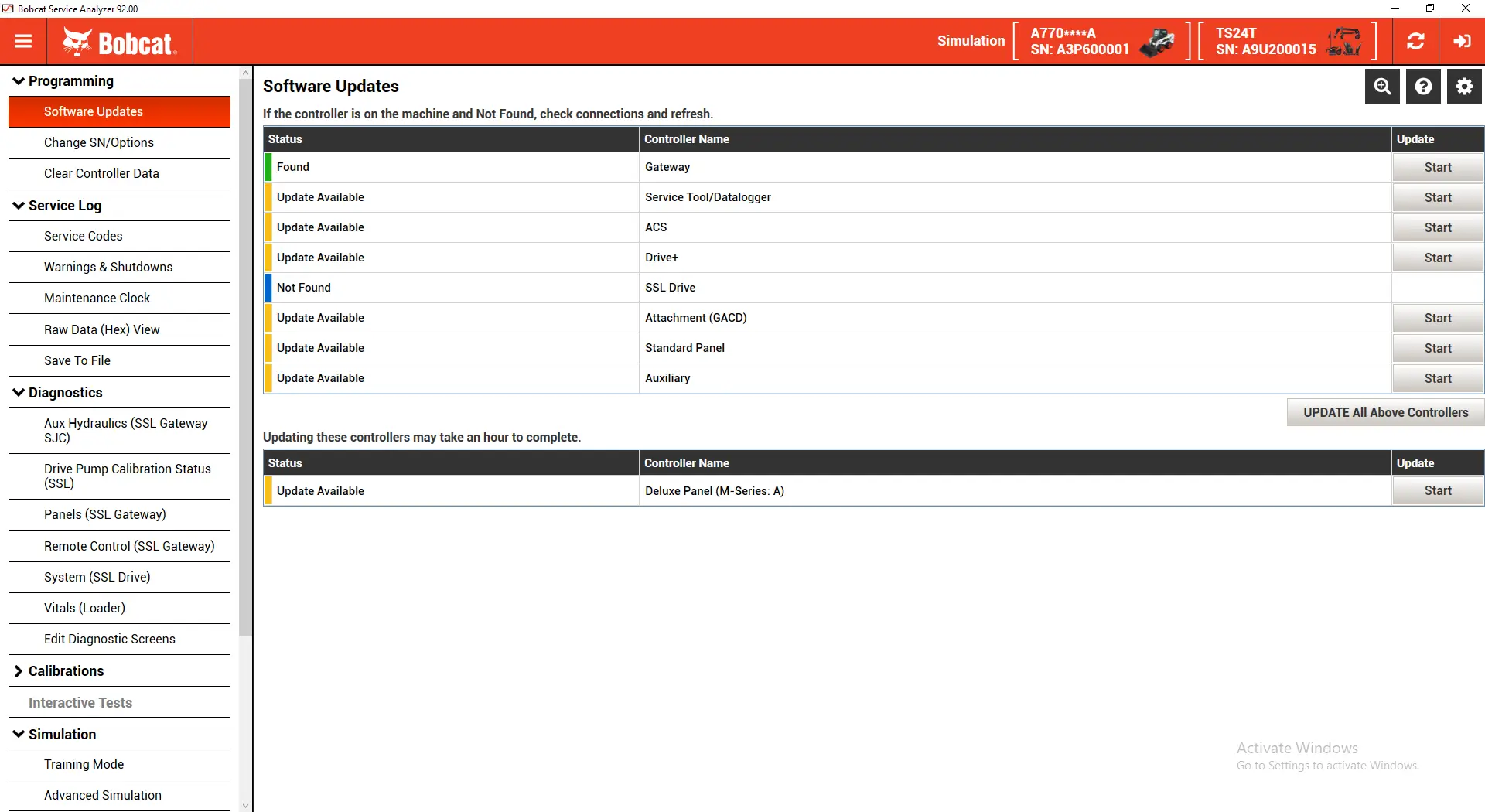
- Perform supported software updates
- Complete machine calibrations
- Configure supported electronic control modules
- Access graphical diagnostic information
- Assist with equipment maintenance and troubleshooting
- Reduce diagnostic time and machine downtime
Available functions may depend on the connected machine, electronic control module, diagnostic interface, and equipment configuration.
System Requirements
| Component | Requirement |
| Operating System | Windows 10 or Windows 11 |
| System Architecture | 64-bit |
| Computer | PC with adequate processor performance and memory |
| Connection Interface | Bobcat Diagnostic Kit |
| Internet Connection | Stable connection required for remote installation |
| Remote Access | UltraViewer or AnyDesk |
| User Access | Windows administrator privileges recommended |
Supported Bobcat Equipment
Bobcat Service Analyzer supports a wide range of Bobcat machinery, including skid-steer loaders, compact track loaders, excavators, telehandlers, and utility vehicles.
Skid-Steer Loaders
- Bobcat S150
- Bobcat S850
- Bobcat A300
- Bobcat A770
Compact Track Loaders
- Bobcat T550
- Bobcat T595
- Bobcat T76
- Bobcat T870
Excavators
- Bobcat E26
- Bobcat E35
- Bobcat E50
- Bobcat E42
Telehandlers
- Bobcat T35.130SLP
- Bobcat T40.180SLP
- Bobcat TL38.70HF
Utility Vehicles
- Bobcat Toolcat 5600
- Bobcat Toolcat 5610
The models above are examples of supported equipment and do not represent the complete Bobcat Service Analyzer coverage database.





Reviews
There are no reviews yet.