
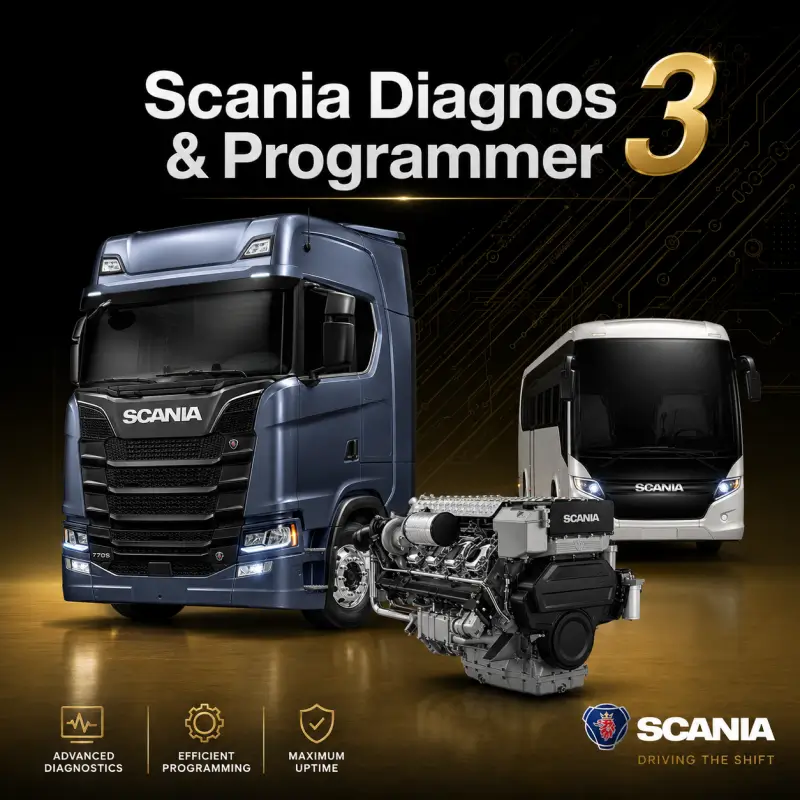
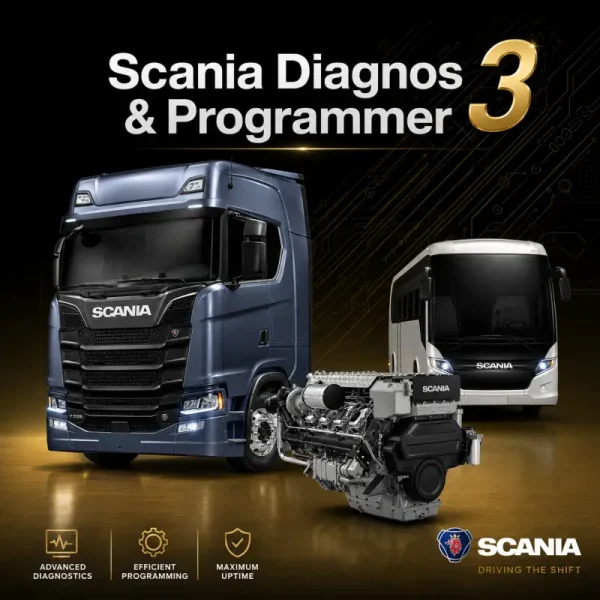
Scania Diagnos & Programmer 3
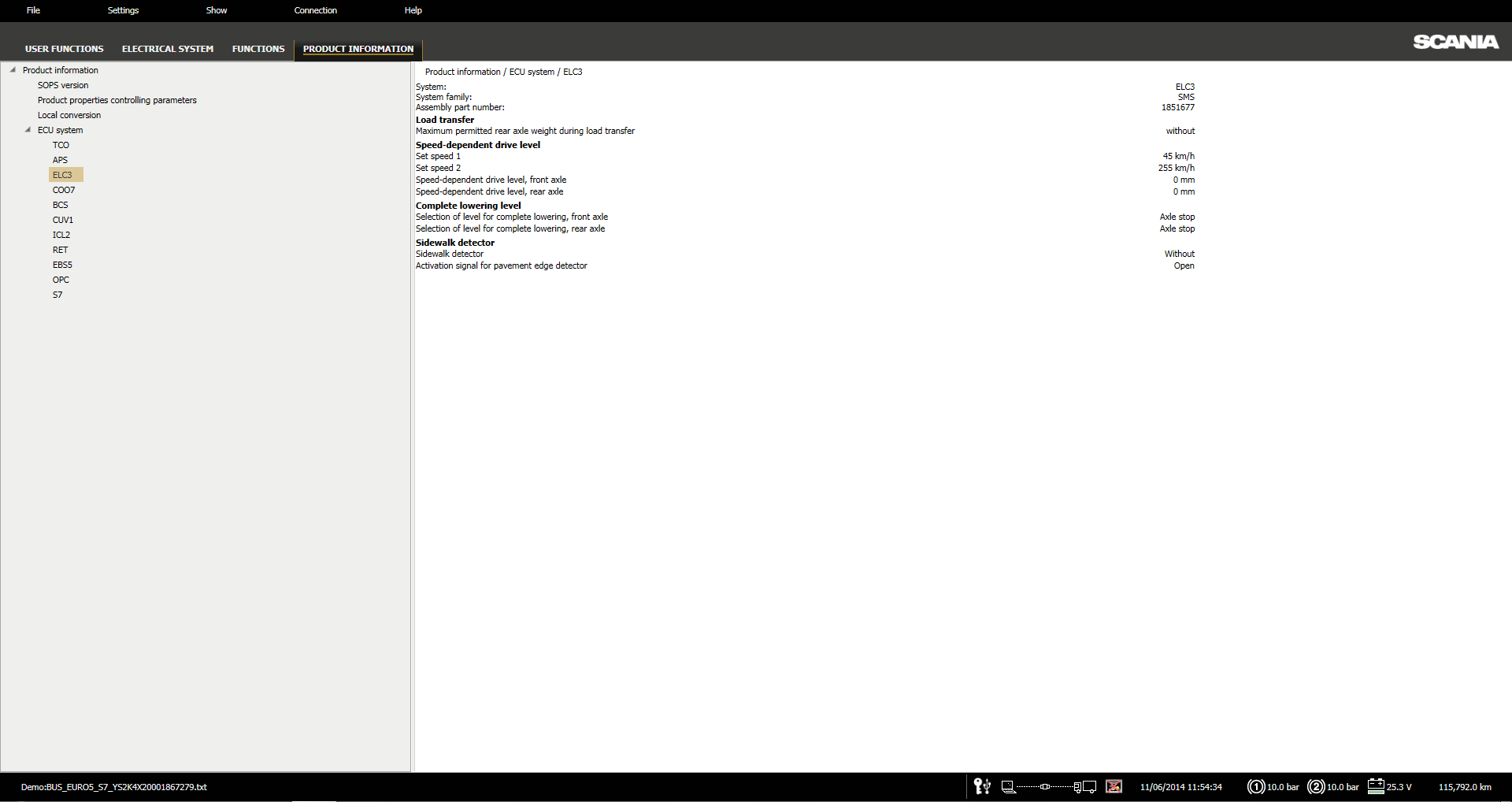
Scania Diagnos & Programmer 3, commonly known as Scania SDP3, is the OEM diagnostic and programming application developed for supported Scania trucks, buses, engines, and electronic control systems.
The software communicates with compatible Scania vehicle control units through a Scania VCI 2 or VCI 3 diagnostic interface. It provides access to fault-code information, measured values, electronic-system testing, parameter configuration, calibration procedures, electrical-system conversions, and control-unit software operations.
Version 2.69.1 is the 2026 release and includes support for modern Scania platforms while maintaining coverage for earlier supported truck, bus, and engine generations.
Software Information
| Specification | Details |
|---|---|
| Software | Scania Diagnos & Programmer 3 |
| Abbreviation | SDP3 |
| Version | 2.69.1 |
| Release Year | 2026 |
| Application Type | Diagnostics, programming, calibration, and configuration |
| Supported Interfaces | Scania VCI 2 and Scania VCI 3 |
| Supported Equipment | Scania trucks, buses, and engines |
| Operating System | Windows 10 or later |
Diagnostic Functions
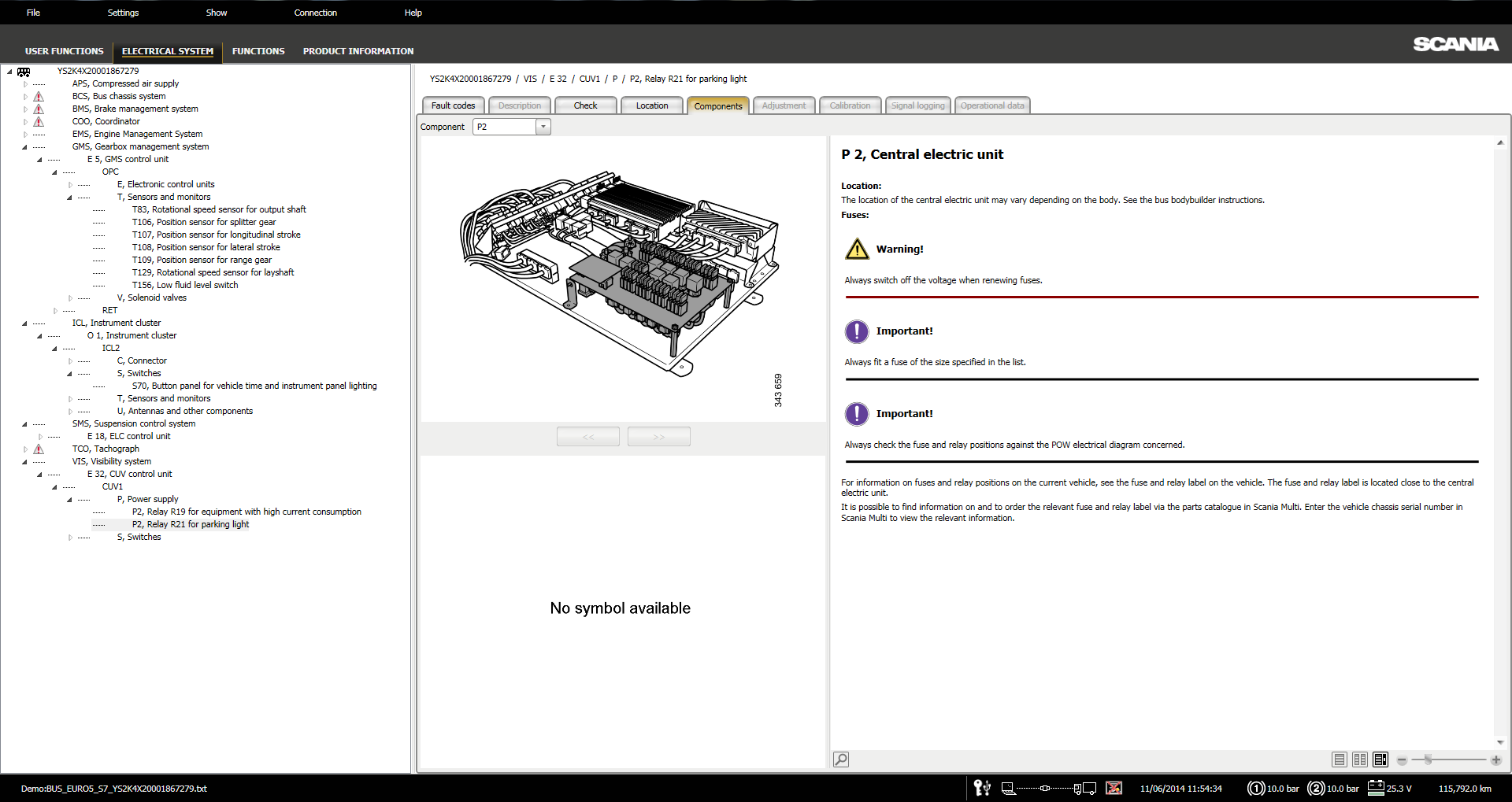
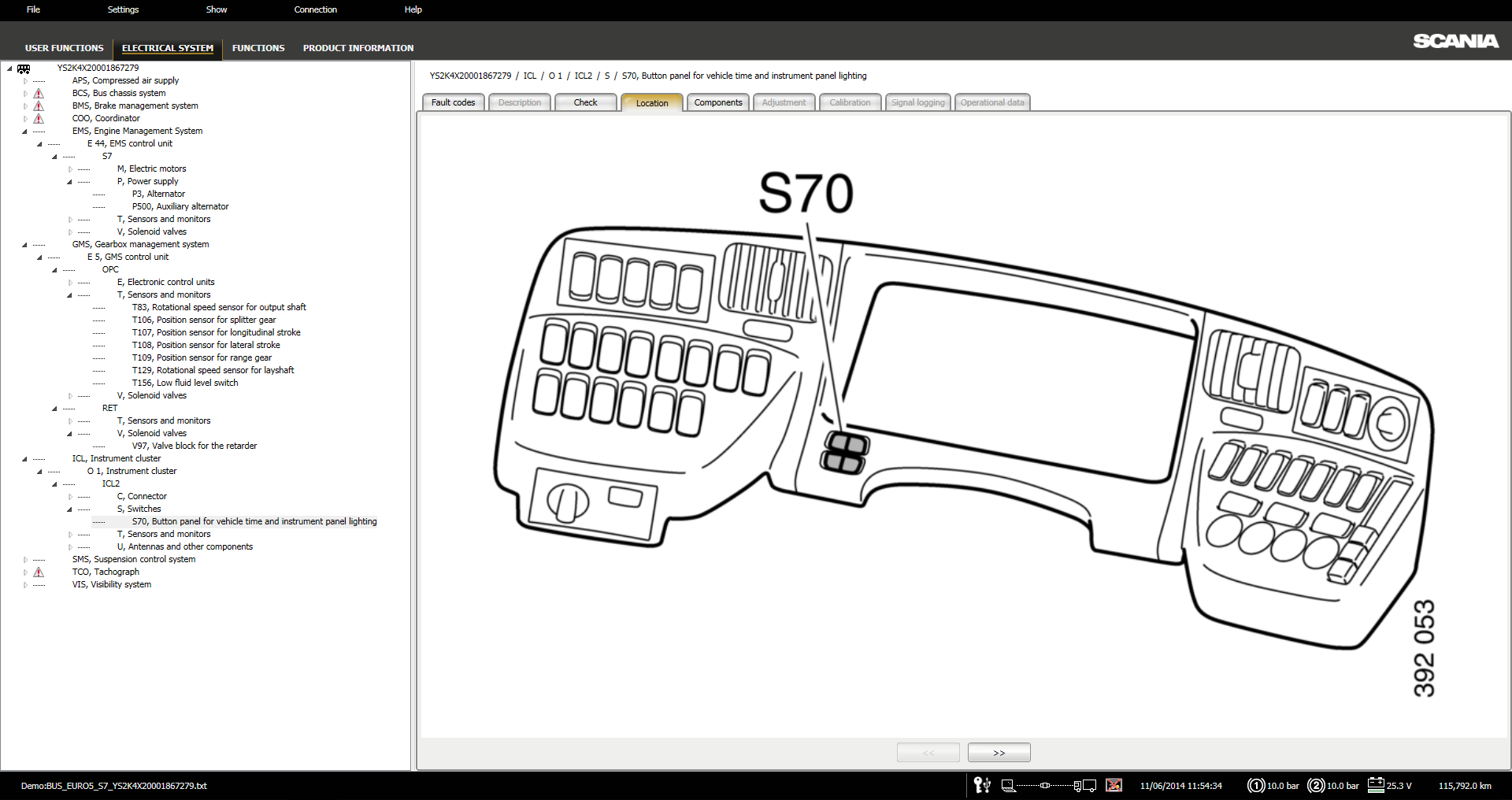
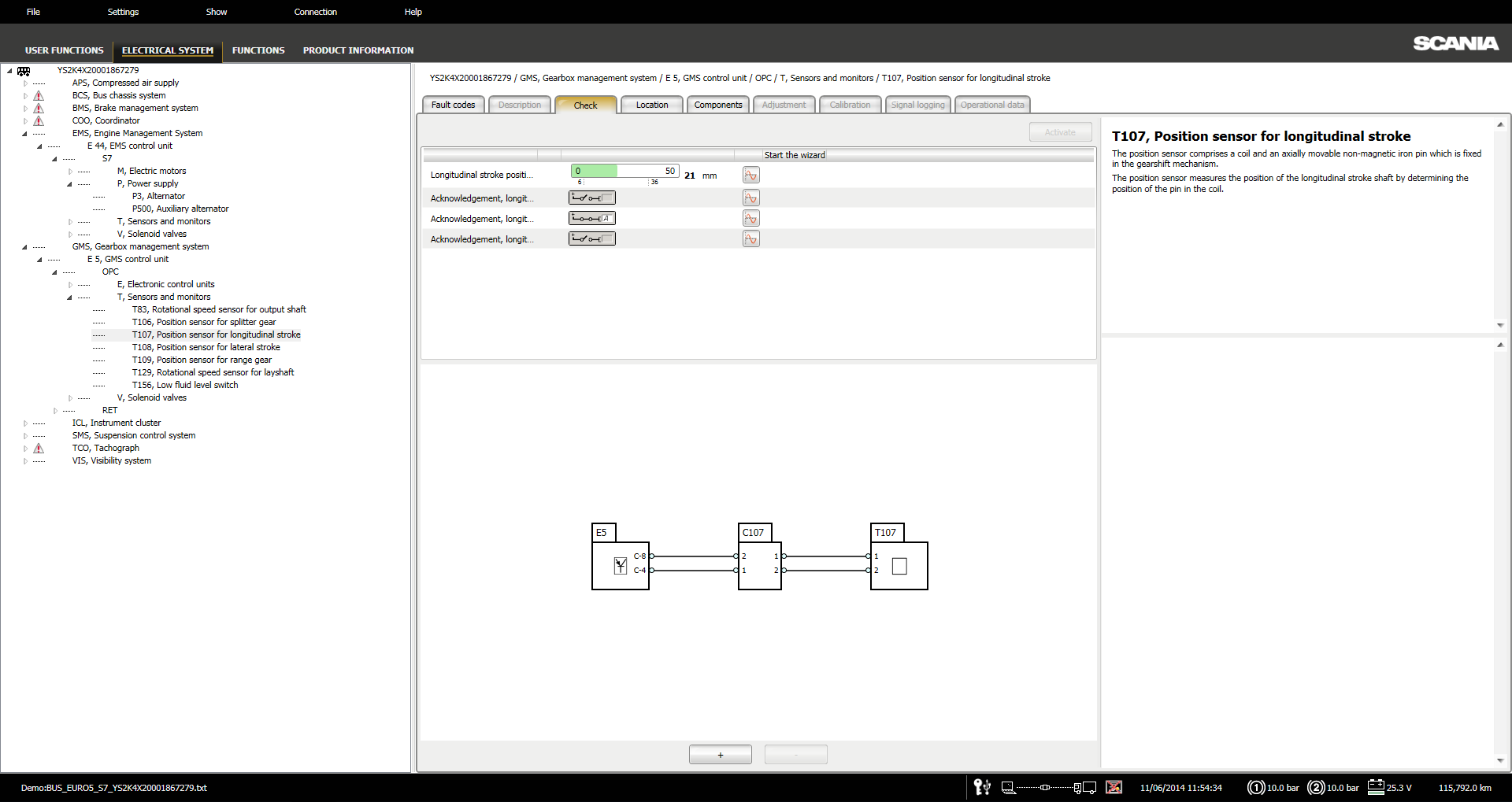
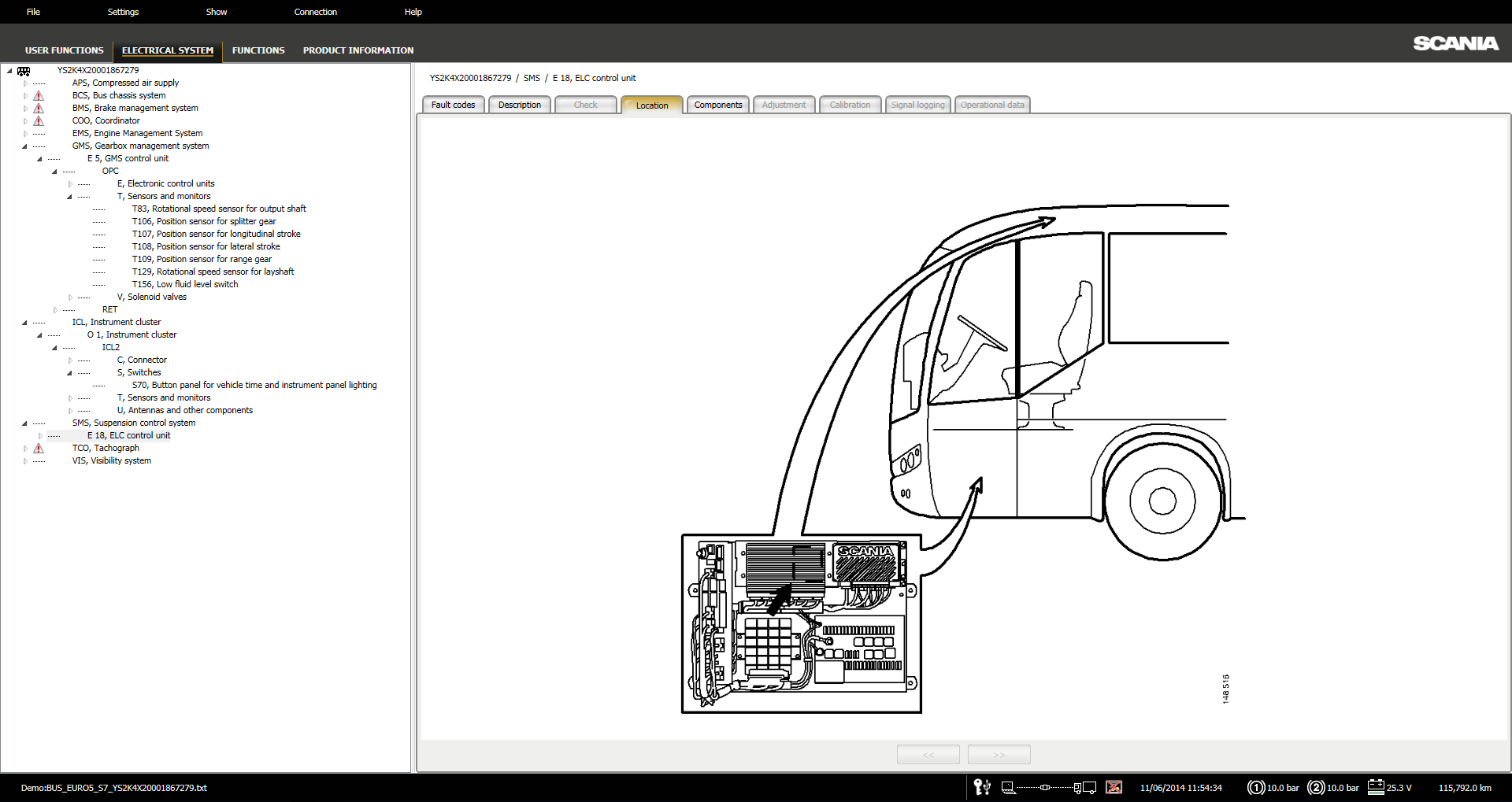
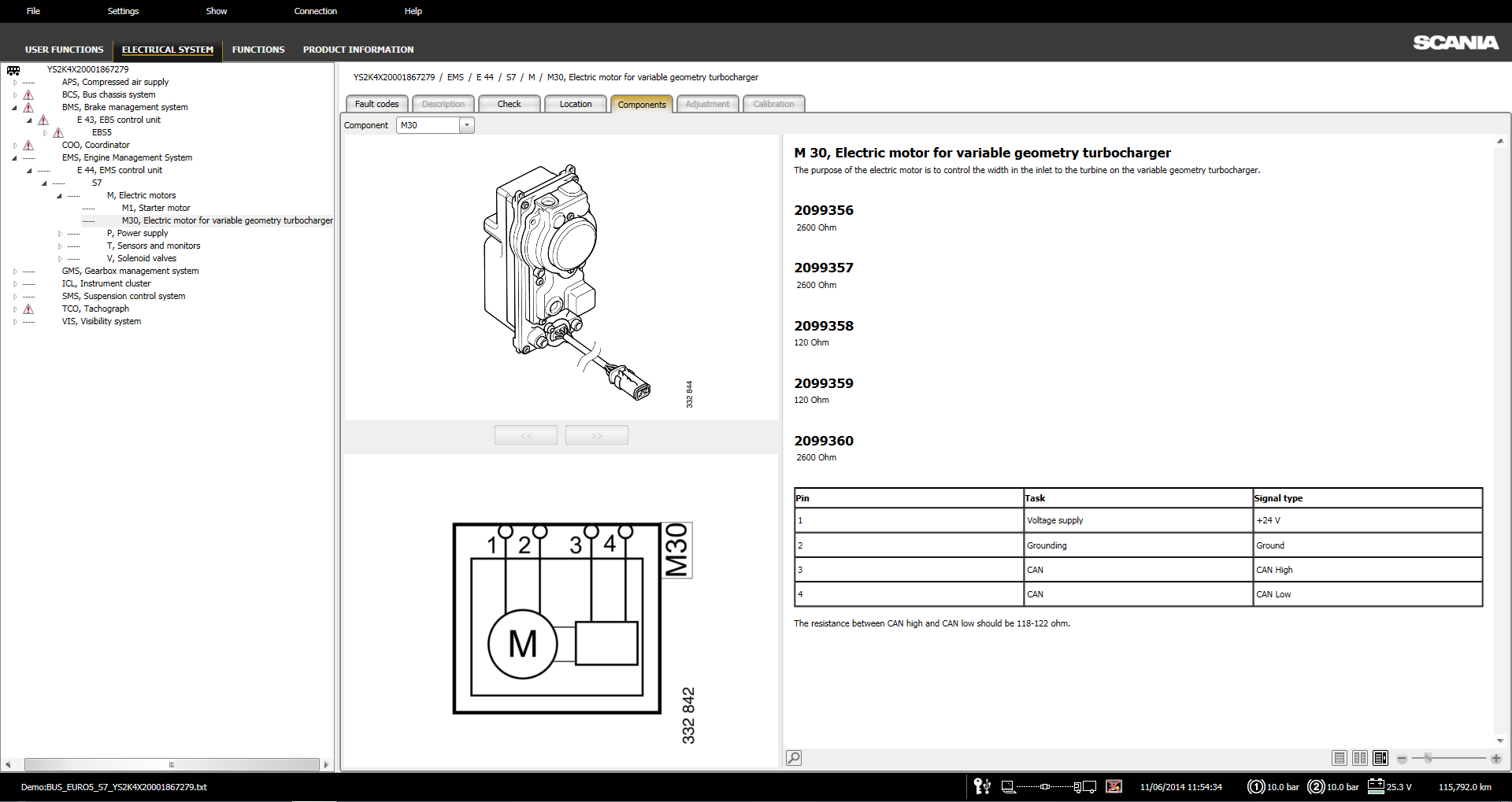
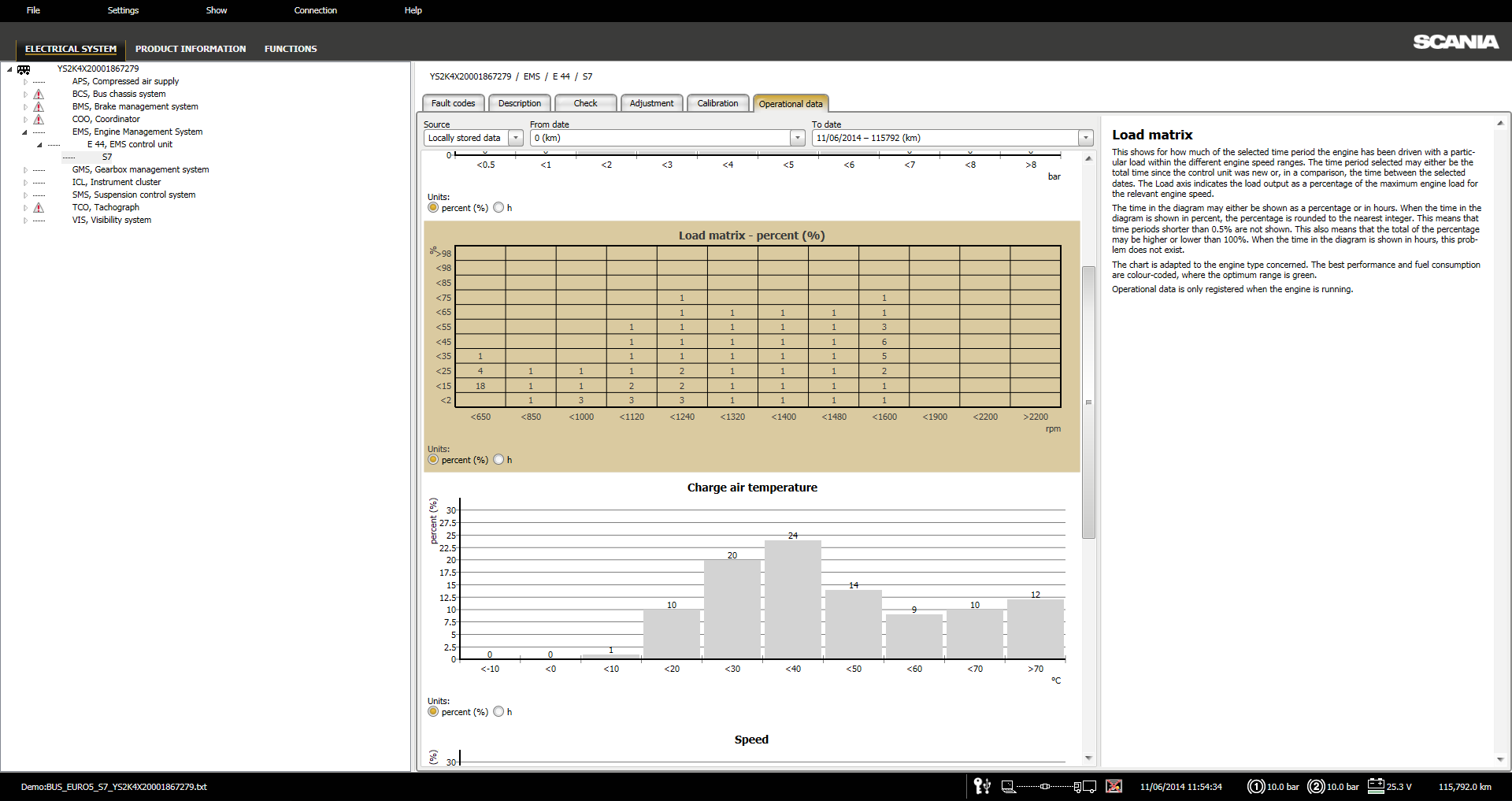
Scania SDP3 provides diagnostic access to supported vehicle electronic systems and control units.
Available diagnostic operations may include:
- Vehicle identification
- Control-unit identification
- Active fault-code retrieval
- Stored fault-code retrieval
- Fault-code clearing
- Fault-code descriptions
- Guided troubleshooting
- Real-time parameter monitoring
- Sensor-value monitoring
- Switch-status monitoring
- Actuator testing
- Component activation
- Electronic-system testing
- Control-unit communication checks
- Vehicle network analysis
- Post-repair verification
Function availability depends on the vehicle generation, installed control units, software level, and selected product specification.
Programming and Software Functions
SDP3 supports control-unit software and programming procedures for compatible Scania systems.
Programming functions may include:
- ECU software updates
- Control-unit programming
- Module replacement procedures
- Software version installation
- Control-unit initialization
- ECU configuration
- Vehicle software management
- Control-unit recovery procedures
- Configuration restoration
- Post-programming verification
A stable communication connection and regulated vehicle power supply should be maintained during ECU programming.
Parameter Adjustment
Supported customer, vehicle, and control-unit parameters can be reviewed and adjusted according to the connected vehicle configuration.
Adjustable parameters may include:
- Customer parameters
- Vehicle operating parameters
- Engine-related settings
- Transmission parameters
- Speed-related settings
- Lighting configuration
- Cab-electronics settings
- Instrument-cluster settings
- Warning functions
- Auxiliary equipment parameters
- PTO-related configuration
- Feature activation settings
- Module-specific programmable options
Parameter availability depends on the vehicle model, control-unit software, and factory configuration.
Calibration Functions
Scania SDP3 provides calibration procedures for compatible vehicle systems and electronic components.
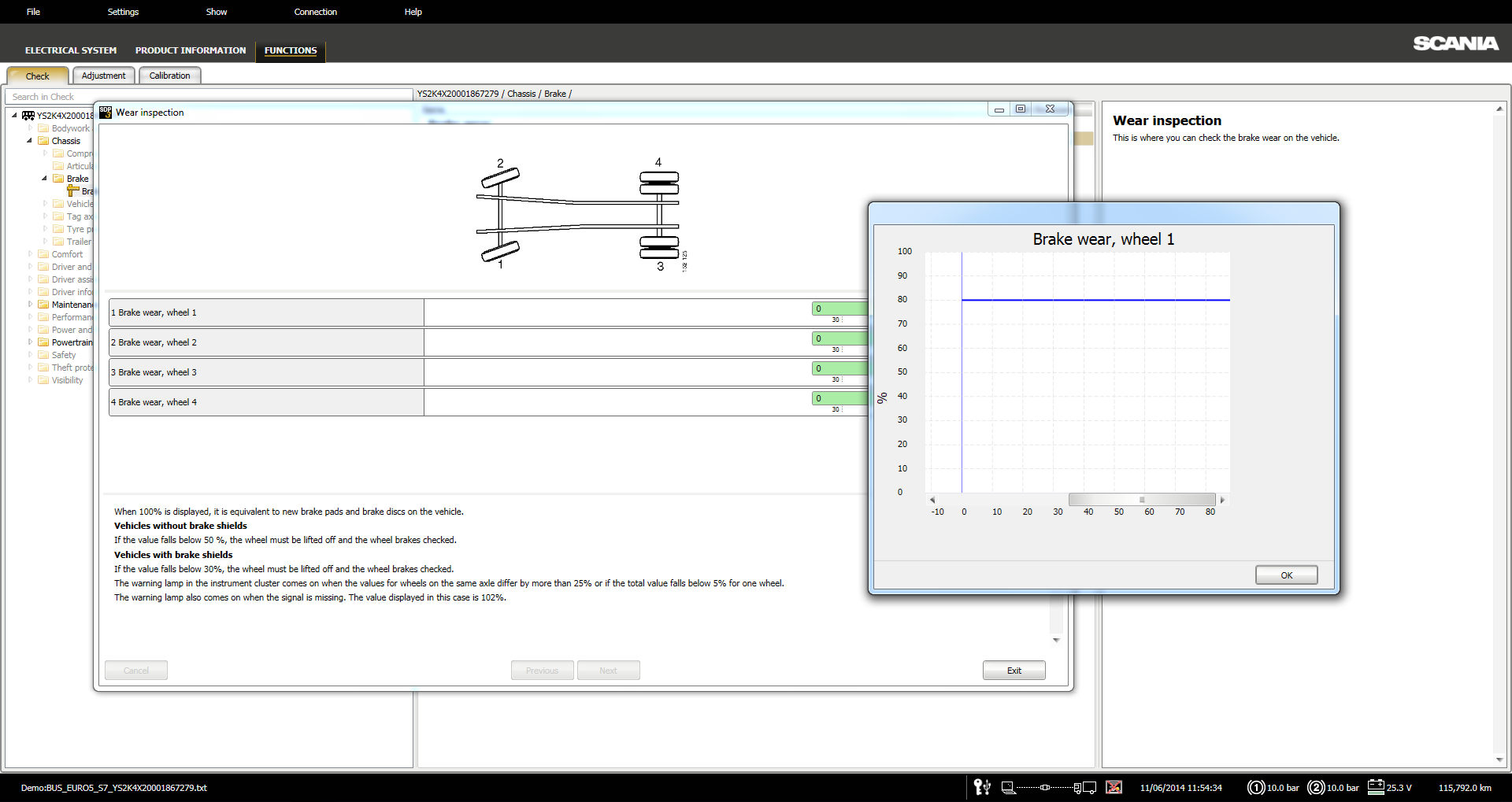
Calibration operations may include:
- Sensor calibration
- Accelerator-pedal calibration
- Steering-system calibration
- Brake-system calibration
- Transmission calibration
- Clutch calibration
- Suspension-system calibration
- Level-control calibration
- Engine-system calibration
- Component replacement calibration
- Post-repair adaptations
- Control-unit initialization
The required calibration procedures vary according to the vehicle system and installed components.
Electrical-System Conversions
SDP3 supports electrical-system configuration changes and conversions for compatible Scania vehicles.
Conversion functions may include:
- Vehicle configuration changes
- Electrical-system conversions
- Installation of additional equipment
- Control-unit configuration updates
- Feature activation
- Function removal
- Parameter-set modifications
- Retrofit configuration
- Bodybuilder-related settings
- Vehicle specification updates
Some conversions may require additional software data, authorization, or compatible control-unit versions.
Supported Scania Vehicles
| Vehicle Category | Supported Series | Year Coverage |
| Scania Trucks | L, P, G, R, S Series | 2016 onwards |
| Scania Trucks | P, G, R, T Series | 2003–2018 |
| Scania Buses | C, K Series | 2020 onwards |
| Scania Buses | F, K, N Series | 2004 onwards |
Coverage depends on the vehicle model, production year, electronic architecture, installed control units, and software configuration.
Supported Scania Engines
| Engine Platform | Year Coverage |
| P96 | 1996–2017 |
| E2011 | 2010 onwards |
Supported diagnostic and programming functions depend on the engine application, ECU generation, installed calibration, and equipment configuration.
Scania VCI Compatibility
| Diagnostic Interface | Compatibility |
| Scania VCI 2 | Supported |
| Scania VCI 3 | Supported |
The correct interface drivers and communication settings must be installed before connecting SDP3 to the vehicle.
Successful vehicle communication depends on:
- Interface driver version
- Interface firmware
- USB or wireless connection stability
- Vehicle diagnostic connector
- Ignition status
- Vehicle battery voltage
- Windows configuration
- Control-unit communication protocol
The diagnostic interface is not included unless specifically stated in the selected package.
Supported Languages
| Language | Language |
| German | English |
| Spanish | Finnish |
| French | Italian |
| Japanese | Korean |
| Dutch | Polish |
| Arabic | Portuguese |
| Russian | Swedish |
| Turkish | Chinese |
| Romanian |
Language availability may vary between the software interface, diagnostic descriptions, and individual technical functions.
Minimum System Requirements
| Component | Minimum Requirement |
| Operating System | Windows 7 SP1 or later |
| Processor | 1.60 GHz or higher |
| Memory | 2 GB RAM |
| Storage | 5 GB of available disk space |
| Communication Hardware | Scania VCI 2 or VCI 3 |
| User Access | Windows administrator privileges are required |
A faster processor, additional memory, and SSD storage are recommended for improved application performance and faster loading of diagnostic data.
Important Programming Information
Before programming, configuring, or converting a vehicle system:
- Confirm the correct vehicle identification
- Verify the connected control unit
- Record the existing vehicle configuration
- Save current parameter values where possible
- Maintain stable vehicle battery voltage
- Use a reliable Scania VCI connection
- Avoid disconnecting the interface
- Do not turn off the ignition during programming
- Allow all software procedures to complete
- Perform post-programming fault-code checks
Interrupted programming or incorrect configuration changes may result in communication faults, lost vehicle functions, incorrect parameters, or control-unit programming failure.


Oliver Bennett –
Very professional team. I’ll definitely come back if I need this service again.
Daniel Carter –
Good communication and great support throughout the process.
Florian Becker –
Alles da, alles klar, wunderbar.
James Carter –
Everything went as promised. A trustworthy seller that I can recommend.
Marco Rossi –
Serious seller, good product and excellent service.
Kevin Brooks –
They took the time to make sure everything was installed properly and working before finishing. Recommended.
Andrew Scott –
Really impressed with the customer service. I’d happily recommend this site to others.
Richard Parker –
A+++++ Fast replies, easy communication and solid service from start to finish.